
Service division
Digitalisation & Business Transformation
We help organisations understand how work actually flows, digitise the processes and records that matter, and make management information reliable, with clear statements of what we do and what we do not.
The challenge
Clear processes, controlled records and information you can rely on.
Many organisations run critical processes on email, spreadsheets and paper. Approvals stall in inboxes, records cannot be found when an auditor or a client asks for them, and different reports give different numbers for the same measure.
Technology alone rarely fixes this. Without a shared picture of the process, agreed ownership of the data and a realistic plan for adoption, new systems tend to reproduce old problems at greater cost.
Who this is for
Operations and finance leaders
Who need faster, controlled approvals and dependable management reporting.
Administration, legal and records teams
Responsible for archives, retention and retrieving records for audits, disputes and regulators.
Leadership teams
Deciding where to invest in digital change and how to govern it.
Services
Digitalisation & Transformation services
Select a service to see what it covers, then open the full service page.






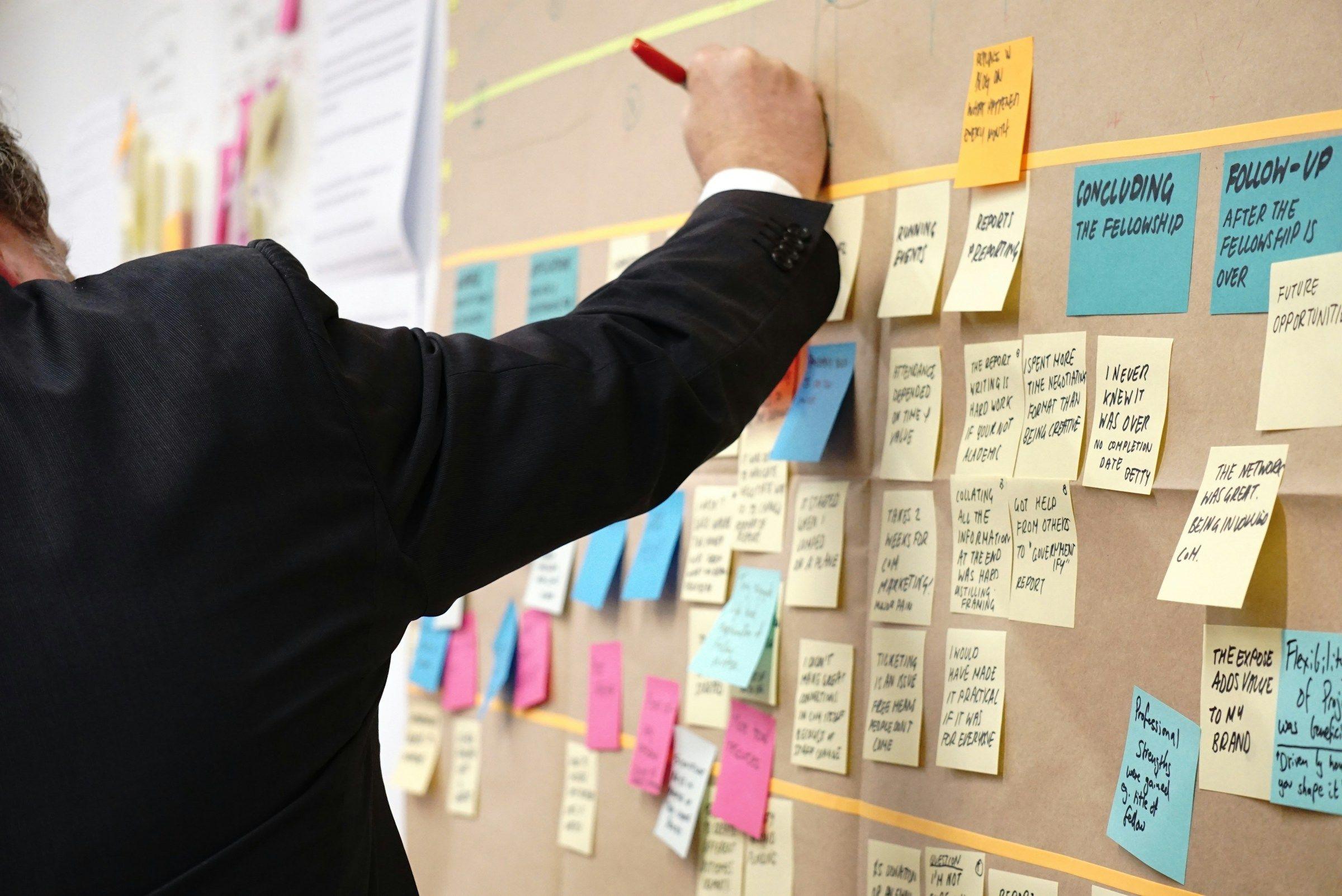
Make the hand-offs, delays, controls and decisions in your real workflow visible before deciding what to change or which system to buy.
- Produce an agreed, validated picture of how the process works today.
- Identify the causes of delay, rework and control weaknesses.
- Design a target process with clear roles, controls and measures.
Move approvals and requests out of inboxes and onto controlled digital workflows with clear routing, segregation of duties and a complete audit trail.
- Digitise priority workflows with clear forms, rules and approval routes.
- Embed controls such as segregation of duties and approval limits.
- Give requesters and managers visibility of status and bottlenecks.
Turn paper archives and uncontrolled file shares into organised, searchable records, with retention rules, access control and a chain of custody you can evidence.
- Know what records you hold, where, and why you keep them.
- Digitise priority collections to a defined quality and indexing standard.
- Store records in a controlled repository with appropriate access.
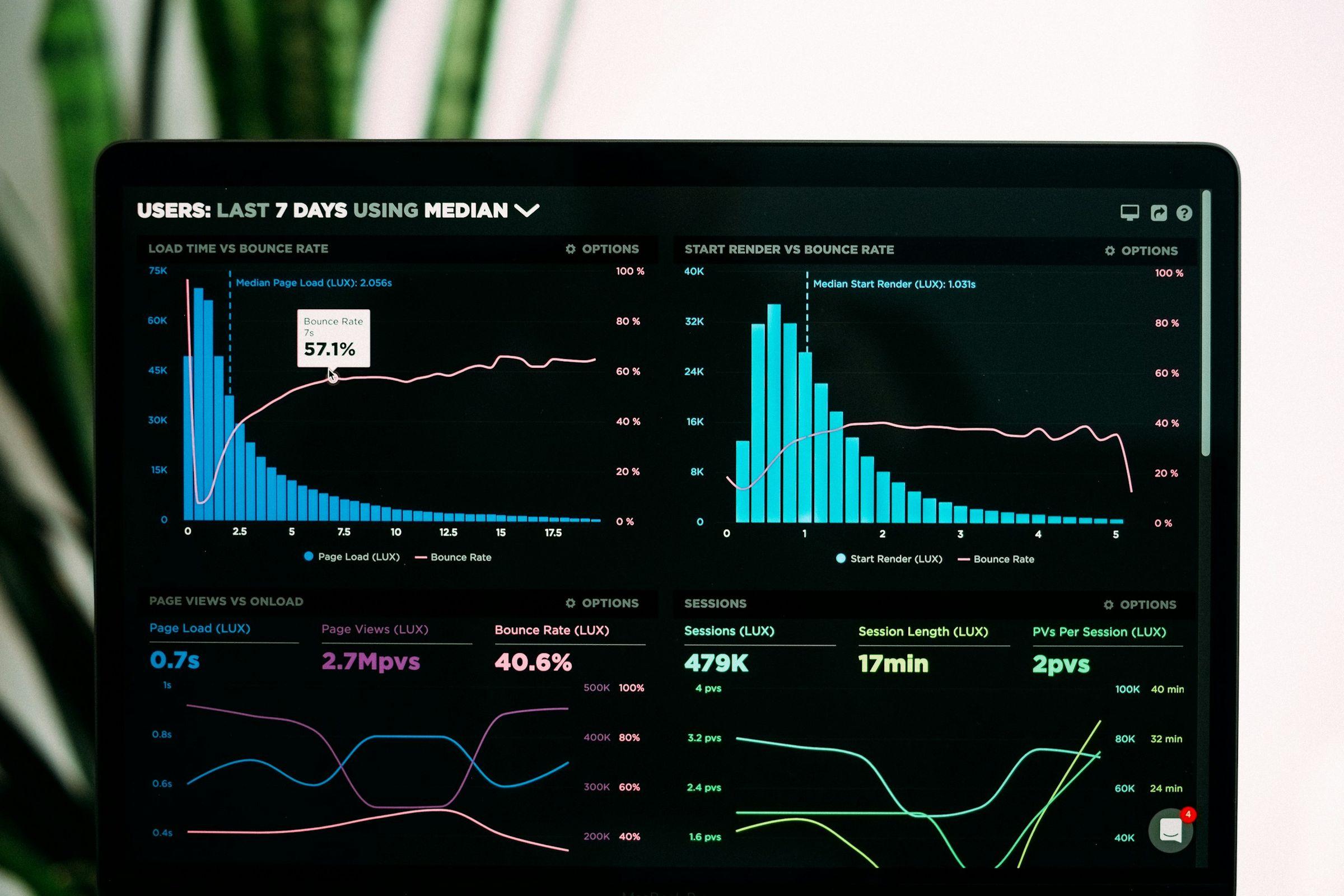
Give management a small set of reliable measures, defined once, produced on time and traceable back to source data.
- Agree what is measured, how and by whom.
- Map each measure to its data source and refresh cycle.
- Deliver dashboards and reports in your BI or reporting tools.
Decide who owns which data, define it once, check its quality and control who can use it, in proportion to your size and risk.
- Assign ownership and stewardship for critical data.
- Define critical data elements consistently.
- Introduce data-quality rules and a remediation routine.
Choose enterprise systems on evidence rather than sales presentations, and keep implementation projects under control, with vendor-neutral advice throughout.
- Define requirements that reflect how you work and intend to work.
- Run a fair, structured selection with comparable vendor responses.
- Plan integrations and data migration before contract signature.
Decide where digital investment will make the biggest difference, in what order, and how decisions and risks will be governed.
- Establish a clear current-state picture across processes, information and systems.
- Prioritise initiatives by value, risk and readiness.
- Agree decision rights and governance for digital investment.
How the work flows
Processes, explained
Interactive explanations of the processes behind these services. Each has a text version.
Illustrative purchase-request process. Switch between the current process and the digital workflow.
- Step 1
Requester emails a spreadsheet form
Manual step
- Step 2
Manager prints, signs and scans it
Manual step
- Step 3
Request waits in an inbox
Delay or risk
- Step 4
Finance re-keys data into the finance system
Manual step
- Step 5
Requester chases status by phone
Delay or risk
- Step 6
Paper copy filed, with email copies scattered
Delay or risk
- Hand-offs by email or paper
- 4
- Times data is typed
- 2
- Audit trail
- Partial
Figures describe this illustrative example only; they are not results from a client engagement.
Text version
Current process: Requester emails a spreadsheet form → Manager prints, signs and scans it → Request waits in an inbox → Finance re-keys data into the finance system → Requester chases status by phone → Paper copy filed, with email copies scattered.
Digital workflow: Requester submits a validated e-form → Rules route by value and department → Approver within limit approves in the workflow → Approved data passes to the finance system → Status visible to the requester at every step → Record retained with a time-stamped audit trail.
Select a stage to see the controls that make digital records reliable.
Capture
- Scanning to an agreed specification
- OCR and indexing fields checked by sampling
- Chain-of-custody log for physical records
The illustration separates the capture station into its layers: document feeding, imaging with OCR, and indexing with quality control.
Text version
- Inventory: Record types, volumes and condition logged; Sensitivity and retention status identified.
- Capture: Scanning to an agreed specification; OCR and indexing fields checked by sampling; Chain-of-custody log for physical records.
- Classify: File plan and mandatory metadata applied; Naming conventions enforced.
- Store: Role-based access in the repository; Audit log of access and changes.
- Use: Search and retrieval by authorised users; Versions controlled and originals protected.
- Retain: Retention label applied at capture; Legal hold where required.
- Dispose or archive: Disposition approved and recorded; Long-term preservation formats for permanent records.
Four kinds of digital service, and which of them we provide. Confirmed in writing for every engagement.
| Advisory | Configuration | Integration oversight | Custom development | |
|---|---|---|---|---|
| What you receive | Assessments, process maps, requirements, roadmaps | Configured forms, workflows, repositories or dashboards | Integration requirements, vendor coordination, test and cut-over oversight | Custom software from a developer you contract |
| Who owns the software | Not applicable | You license the vendor's product | You license each product | Per your contract with the developer |
| Typical deliverables | Reports and plans | Specification, configured solution, UAT record | Interface catalogue, RAID log, readiness report | Not applicable |
| Marfaq's role | Offered | Offered on platforms you license | Offered (interfaces built by you or vendors) | Not offered. We help you specify and procure it |
Select a KPI to trace it back through validation to its source systems. Illustrative example.
Cost per order: Invoices reconciled to the general ledger, and spreadsheet volumes checked against orders.
Text version
- Cost per order ← validation (Invoices reconciled to the general ledger, and spreadsheet volumes checked against orders) ← ERP invoices and Site spreadsheets.
- Energy intensity ← validation (Meter readings checked for gaps, with floor-area data from the site register) ← Utility meters and Site spreadsheets.
- Lost-time injury rate ← validation (Hours worked from HR and incidents from the site log, cross-checked monthly) ← HR system and Site spreadsheets.
From the current process to continuous improvement.
Step 1 of 6
Current process
Understand how work actually flows today.
- Interviews and observation
- Volumes, delays and pain points
Typical output: Current-state summary
Text version of all steps
- Current process: Understand how work actually flows today. Output: Current-state summary.
- Process mapping: Make the process visible and agree the target design. Output: Validated process maps.
- Digital workflow: Configure the target process on platforms you license. Output: Configured workflow.
- Integration: Connect the workflow to the systems and records it depends on. Output: Agreed interfaces.
- Reporting: Measure performance with defined, traceable KPIs. Output: Management information.
- Continuous improvement: Review results and refine. Output: Improvement log.

Context
How we engage, stated plainly
Digital work covers very different kinds of service. For every engagement we confirm in writing which of the following applies, so expectations about ownership, licences and support are clear from the start.
- Advisory
- Assessing processes, defining requirements, recommending options and planning change. You receive reports, process maps, requirements and roadmaps.
- Configuration of your platforms
- Setting up forms, workflows, repositories or dashboards inside software your organisation licenses, using the product's standard features.
- Integration and implementation oversight
- Defining how systems connect, coordinating vendors and overseeing testing and cut-over. Interfaces are built by you or your vendors unless agreed otherwise.
- Custom software development
- Not part of our standard offer. Where custom software is needed we help you specify and procure it from a suitable developer.
Ways to work with us
Engagement models
- 01
Assessment
A fixed-scope review of one process area or archive, ending in a prioritised plan.
- 02
Pilot
One process or one records collection taken through to working practice to prove the approach before scaling.
- 03
Programme support
Phased delivery across several processes with governance, testing and adoption support.
- We are vendor-neutral and do not resell software unless a specific arrangement is disclosed to you in writing.
- We do not present any third party's software as our own.
- Legal retention periods and data-protection decisions are confirmed by your organisation and its advisers; we design processes that apply them.
- We do not provide outsourced IT operations or infrastructure hosting.
Questions
Frequently asked questions
Do you sell or develop software?
No. We are vendor-neutral. We configure platforms you license and help you select and oversee vendors where new systems are required.
Where should we start?
Usually with one process or one archive that causes visible pain. A short assessment and pilot shows what works in your environment before larger commitments are made.
How do you handle confidential documents?
Access is limited to named personnel under confidentiality agreements, and handling arrangements for location, storage, transfer and return are agreed in writing before work begins.
Content last reviewed: 23 November 2026.
Sources
- DLA Piper, Data protection laws of the world: Qatar (opens in a new tab), accessed 23 November 2026
- DLA Piper, Data protection laws of the world: United Kingdom (opens in a new tab), accessed 23 November 2026
- DLA Piper, Data protection laws of the world: Nigeria (opens in a new tab), accessed 23 November 2026
Start a conversation
Request a process assessment
Start with a short conversation about your requirement, timescale and what you already have in place.